Request a payment.
Set an amount in USD and send a link to whoever is paying you. The money goes straight to your Kiip Wallet.
How payment requests work
Create your payment link.
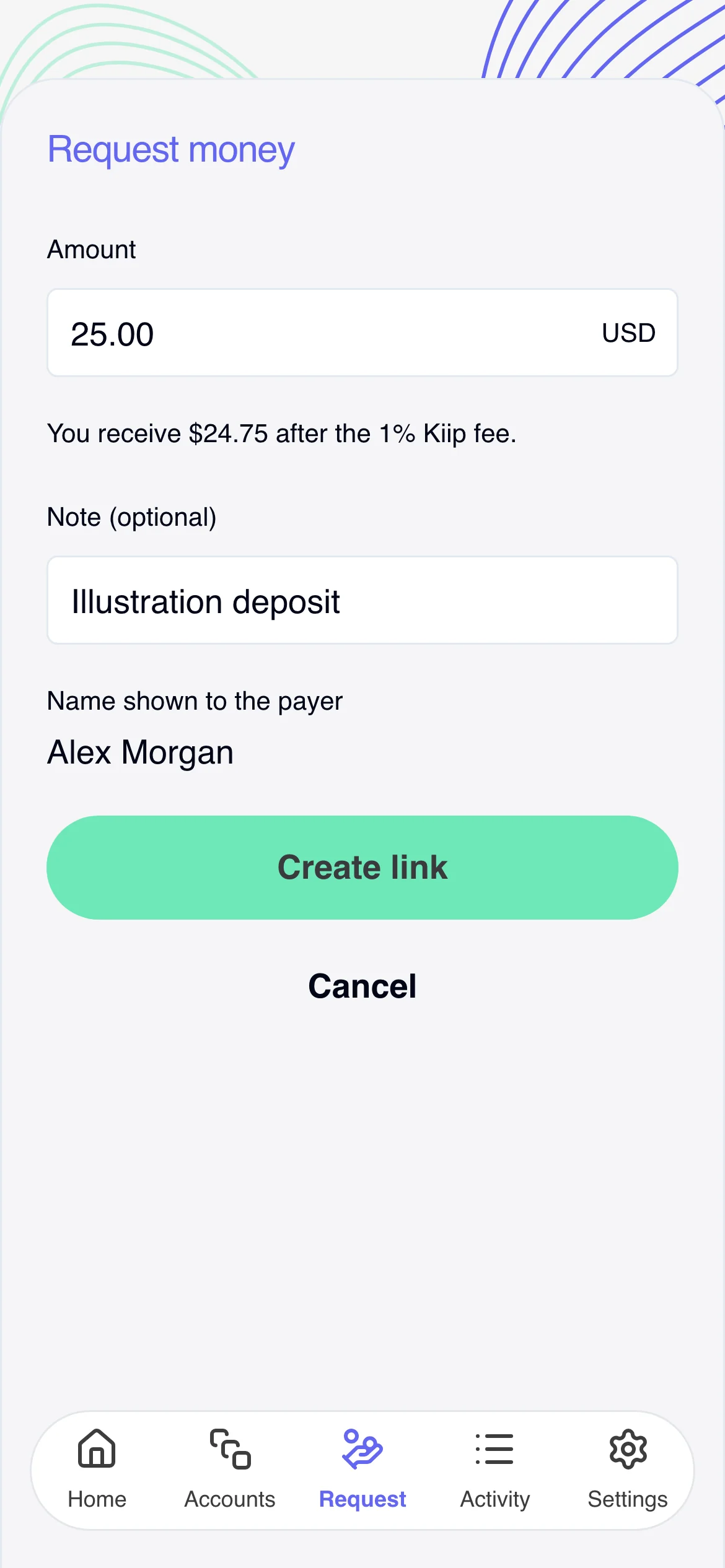
Open Request in Kiip Wallet and tap New request. Enter an amount in USD and add an optional note. Review the name the payer will see and how much you’ll receive after the Kiip fee, then tap Create link.
View full-size screenshot (opens in a new tab)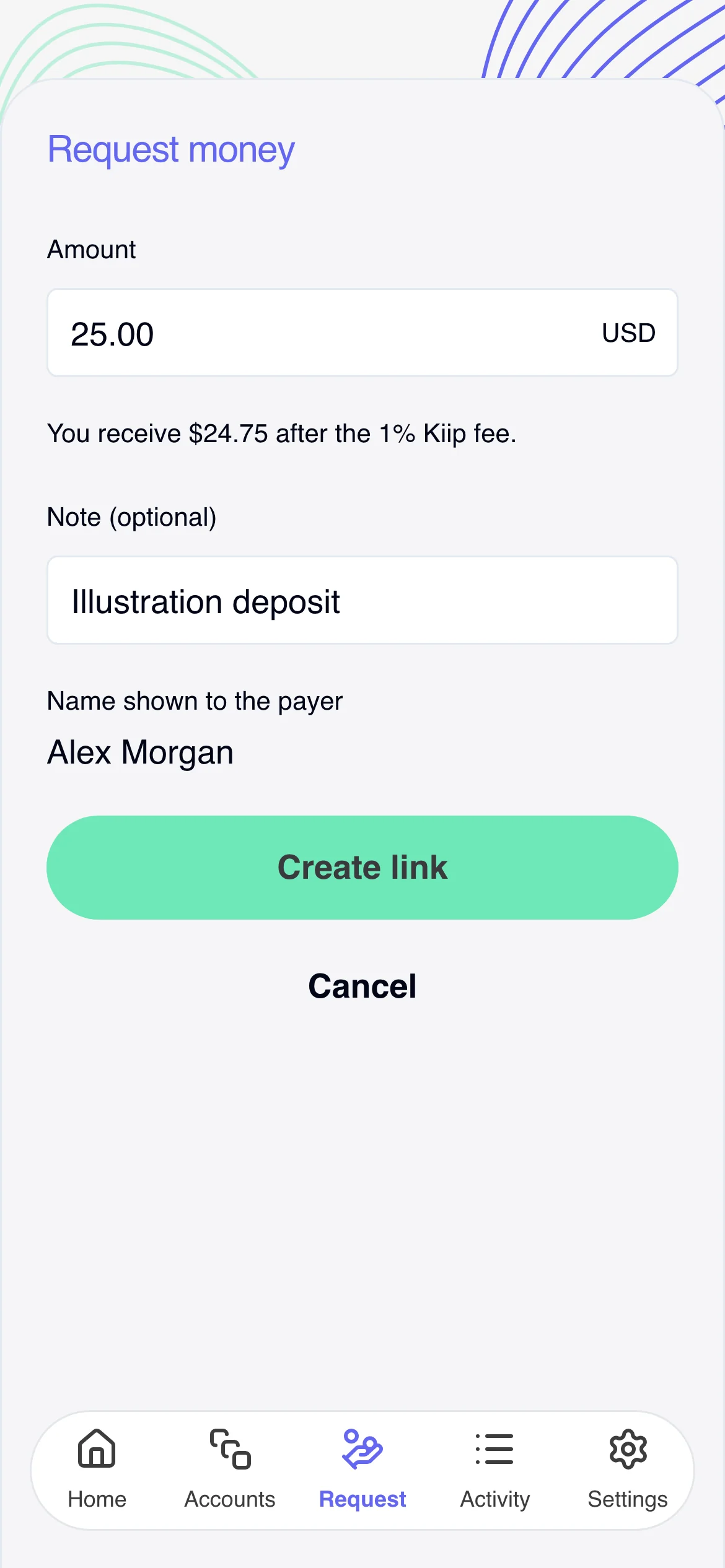
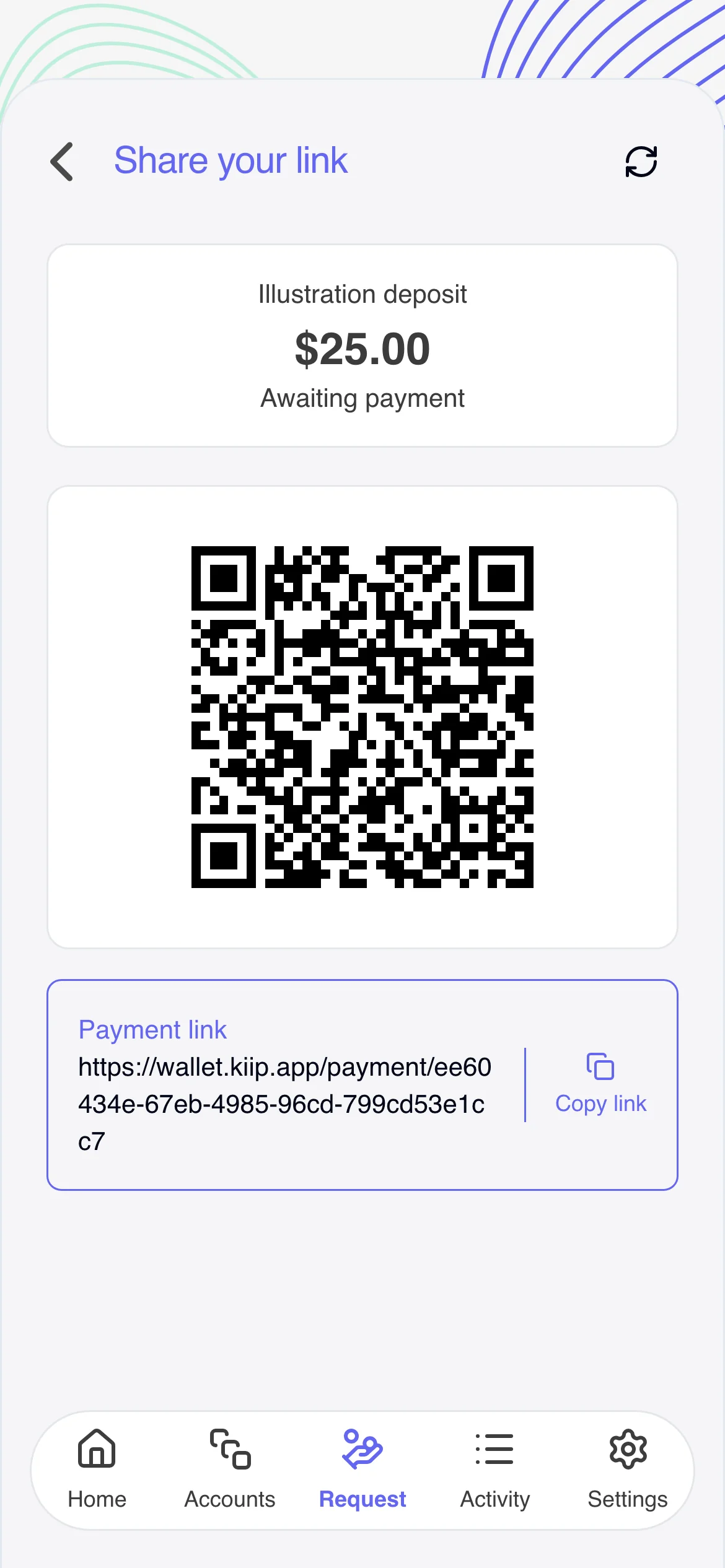
Send the link or show the QR code.
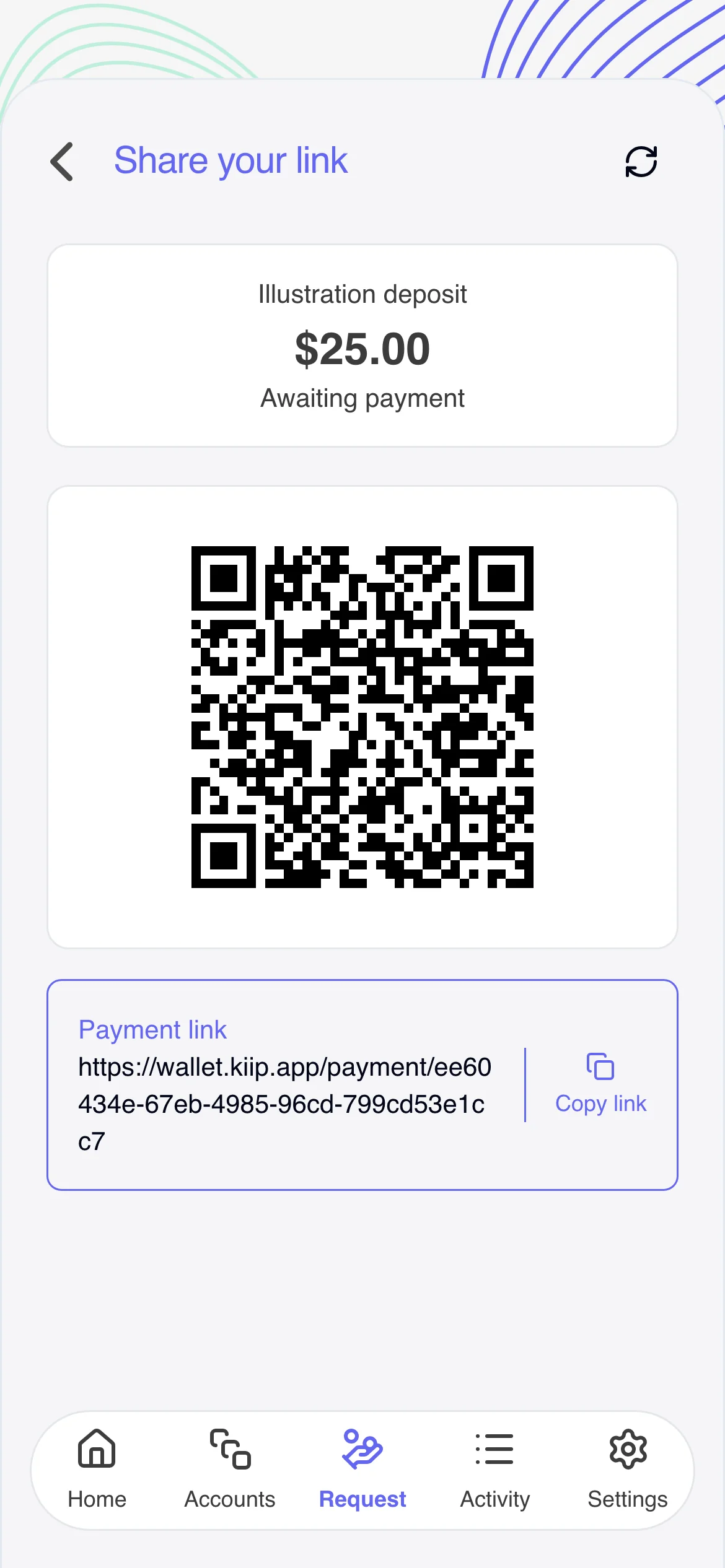
Tap Copy link and send it by email or message. If you’re with the payer, they can scan the QR code. The payer sees your name, the amount and your note before paying with Kiip or a supported external crypto wallet.
View full-size screenshot (opens in a new tab)Check that you’ve been paid.
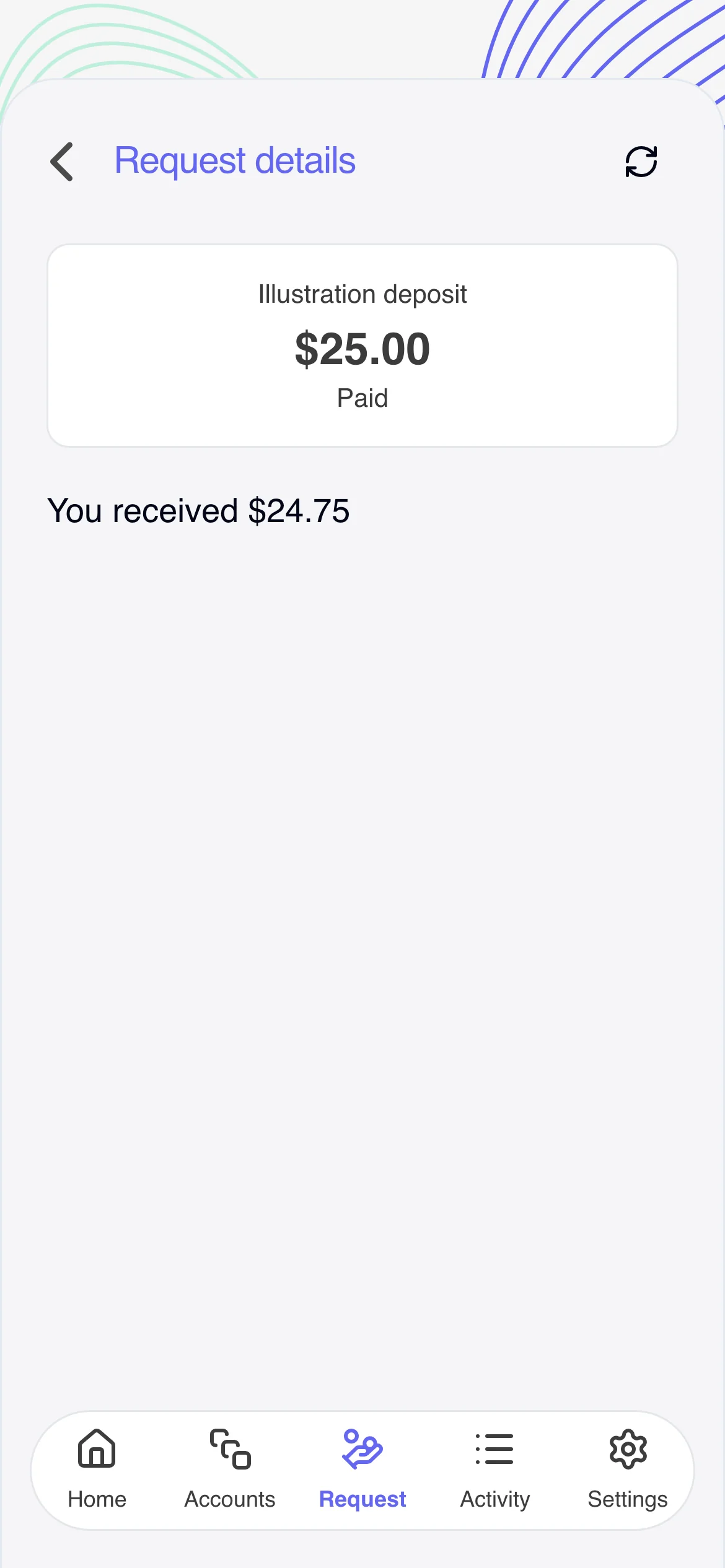
Open Requests to check a link that’s still awaiting payment. After it settles, open Received and select the payment to see the amount credited to your wallet.
View full-size screenshot (opens in a new tab)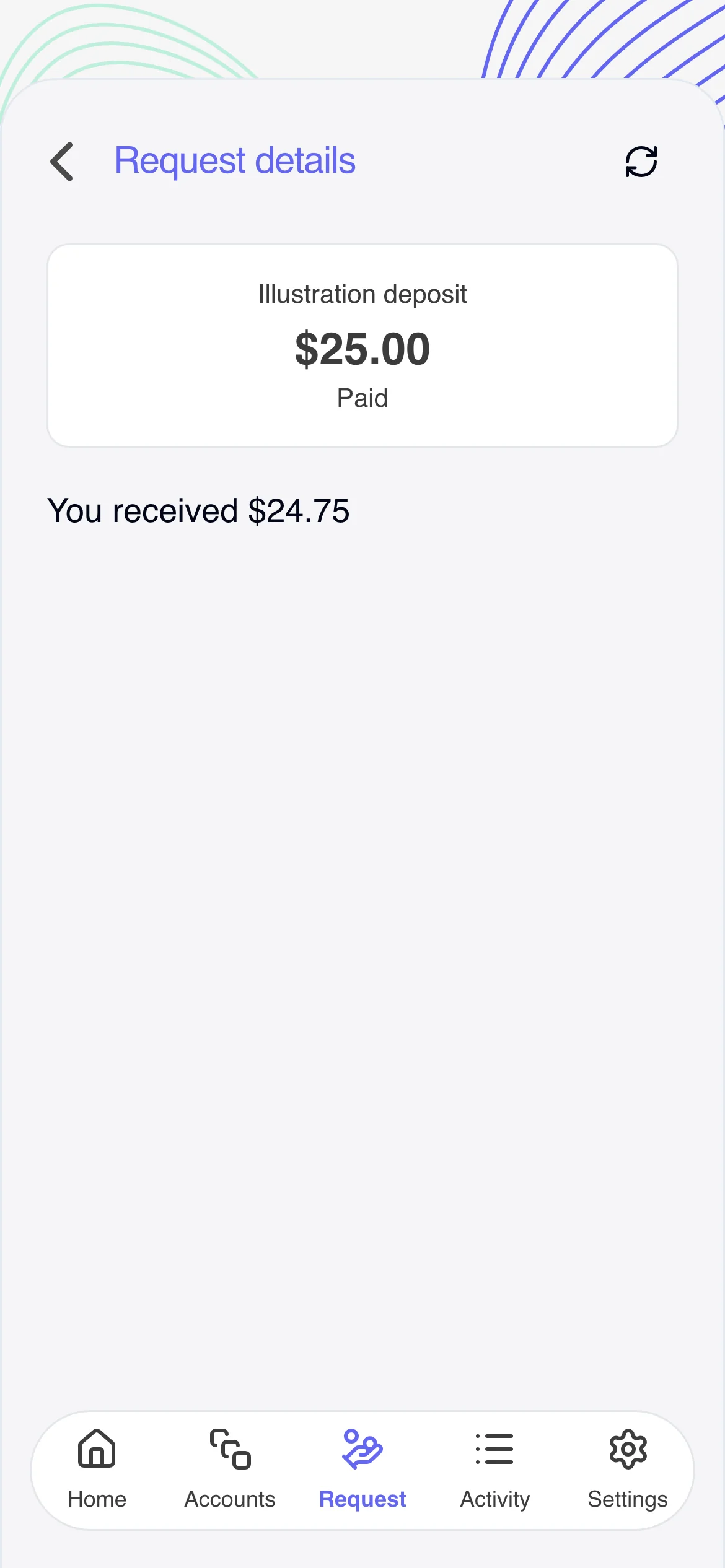
Keep your balance or withdraw.
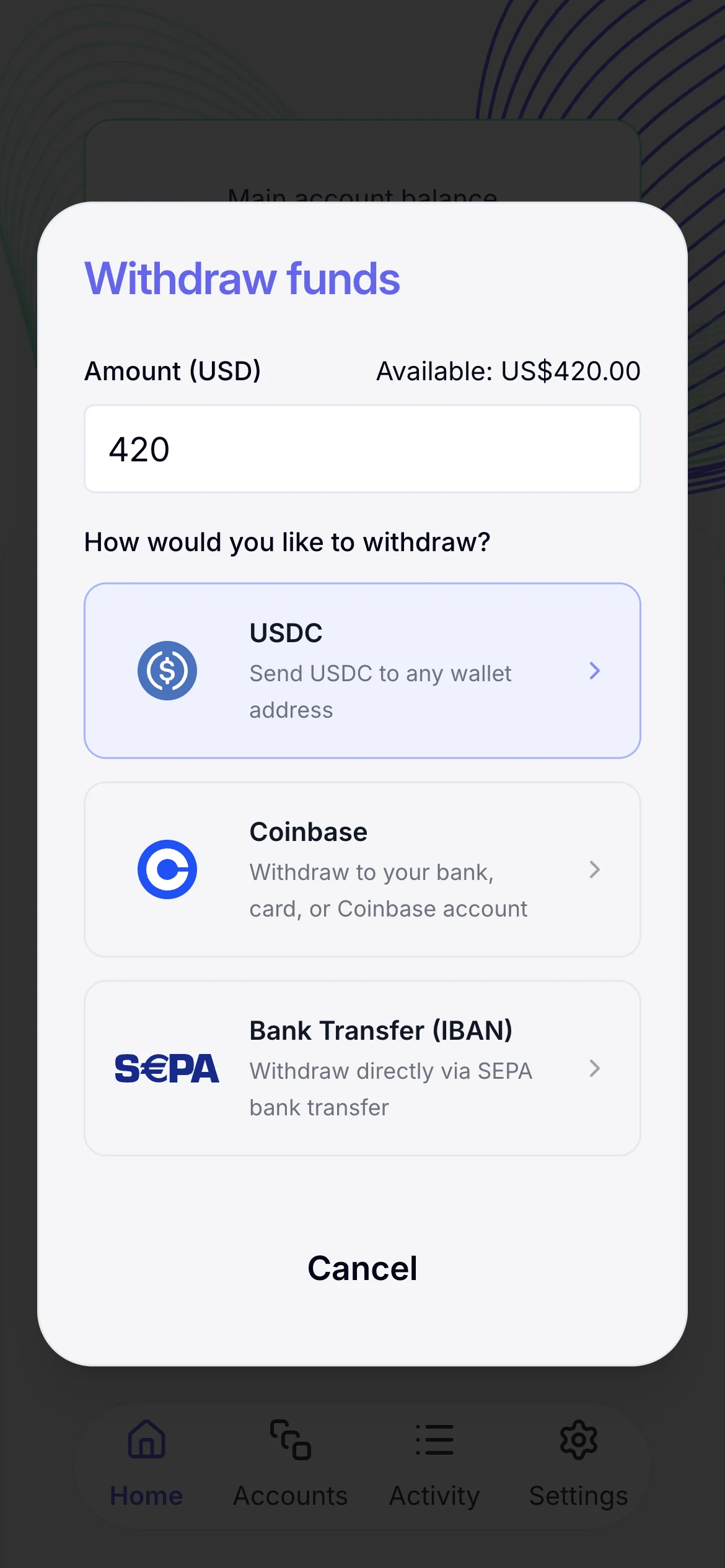
From your wallet, choose Withdraw to see the available options. You can send to an external wallet or use a connected provider. The provider shows its available methods, fees and expected timing before you confirm.
See the bank withdrawal guide for Norway →View full-size screenshot (opens in a new tab)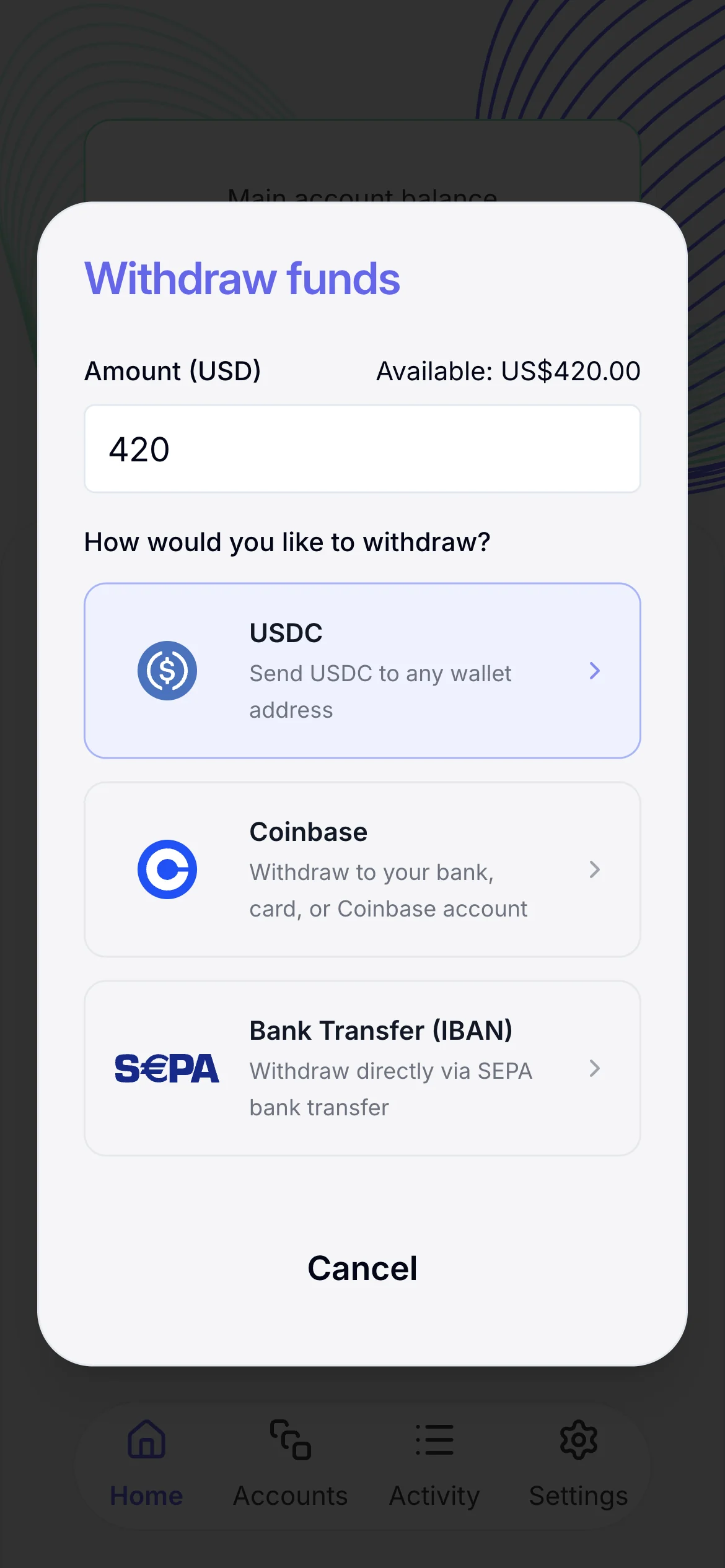
Fees and payment options.
Kiip deducts a 1% fee when the payment settles. Your wallet shows how much you'll receive before you create the link. Available withdrawal methods and fees depend on the provider and your location.
Payers pay by wallet. Each link accepts a single payment and is open for new payment attempts for 30 days.
Accept customer payments →